Angled Hand-Held Business Card Mockup – Tabletop Presentation
Description
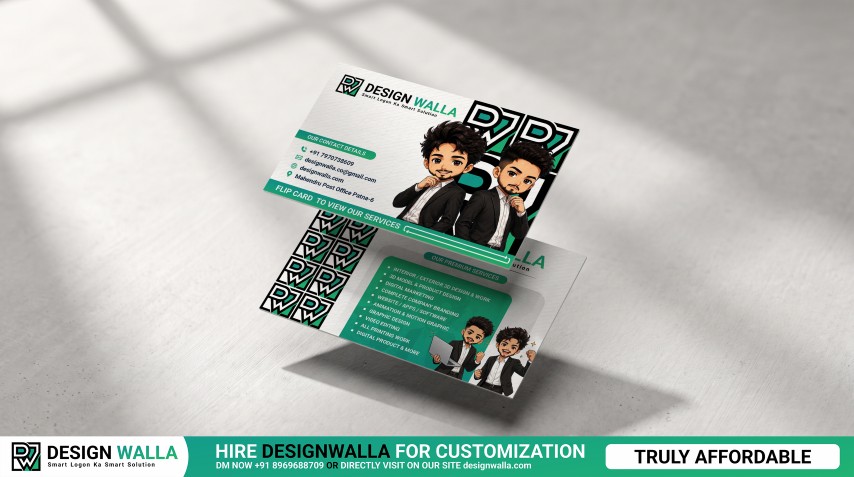
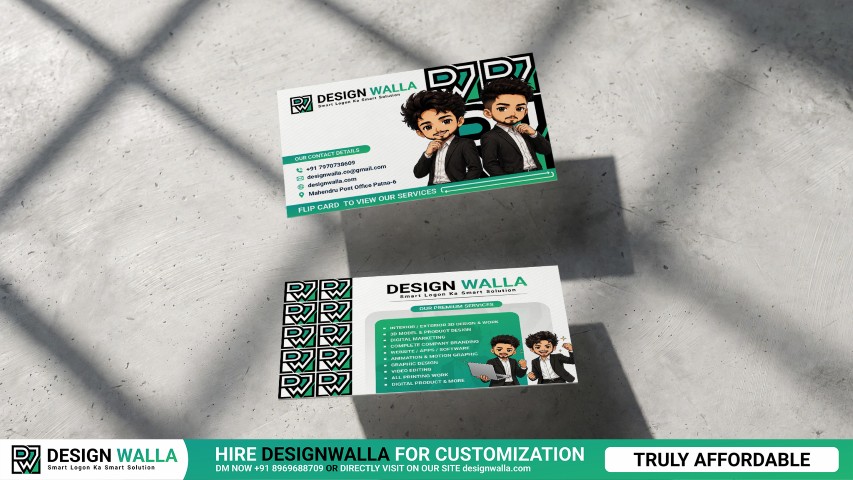
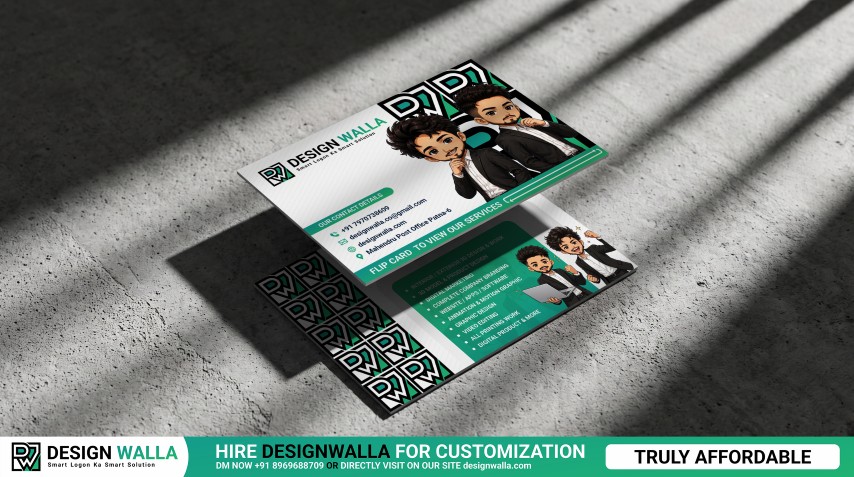
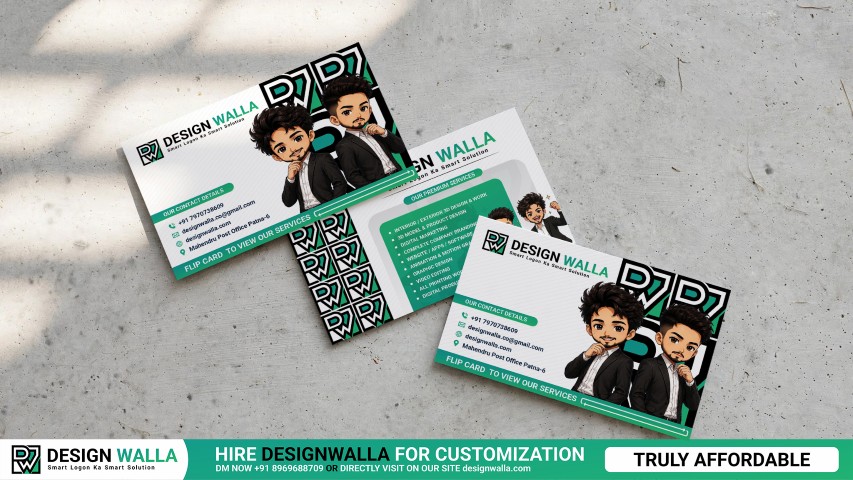
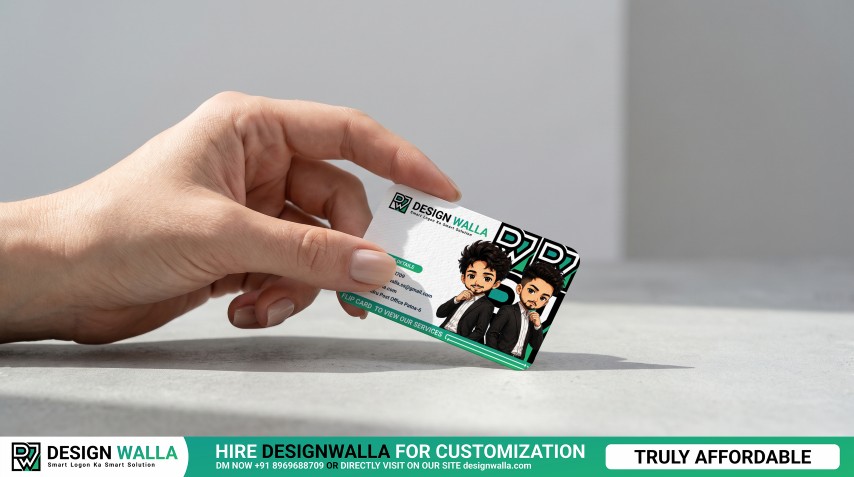
Give your business card design a realistic printed look with a Photoshop mockup that combines hand interaction and tabletop presentation. The card is positioned at an angle and held delicately near the edge, creating a natural perspective that works especially well for modern business card and visiting card designs. The visible front side provides space for logos, contact information, illustrations, typography, QR codes, and promotional content. This mockup is a strong option for presenting finished branding work to clients, showcasing stationery projects, or creating professional portfolio and marketing visuals. Note: Original image was AI-assisted using Google Flow and Google Gemini. The final mockup has been manually modified, refined, and converted into a psd by us. Credit to Google Flow and Google Gemini for the initial concept.
Specifications
- Dynamic Angled Placement: The tilted card creates a more natural and engaging presentation than a straight card view.
- Edge Grip Detail: The fingers hold the card near its upper edge, keeping the main design area exposed.
- Table Contact Effect: The lower edge of the card meets the surface, giving the mockup a convincing physical-product feel.
- Rounded Card Corners: Smooth corners complement modern and contemporary business card designs.
- Front Design Visibility: Suitable for layouts where logo, contact information, graphics, and supporting details need to remain prominent.
- Human Interaction: The hand adds scale and context, helping viewers understand the physical size and appearance of the card.
- Minimal Presentation Surface: The clean setting works with both colorful and minimalist branding systems.
- Professional Branding Use: Suitable for business identity, visiting cards, personal branding, agency presentations, and stationery projects.
- Easy Photoshop Editing: Replace the artwork through Smart Objects while retaining the original perspective and realistic presentation.